



Using a free app (in this case iExplorer) to browse the contents of your iPhone if you navigate to Apps/LinkedIn/Library/Preferences you will find a file named com.linkedin.LinkedIn.plist and this is the file in question.
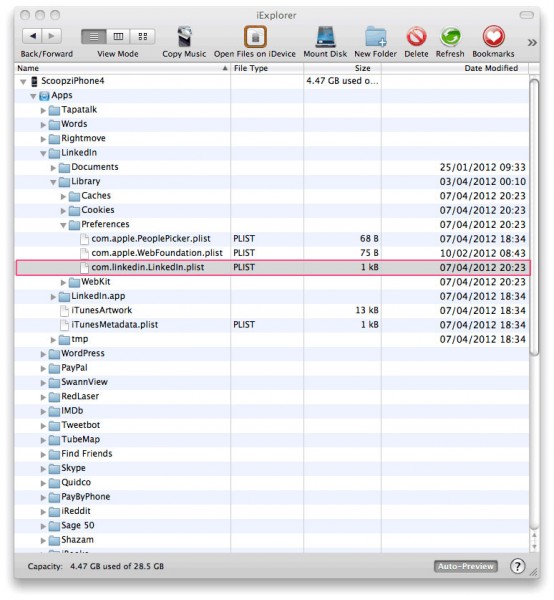

Simply copying the com.linkedin.LinkedIn.plist file from one device to another and then relaunching the LinkedIn app will automatically log the user is using the account details from the cloned plist file.
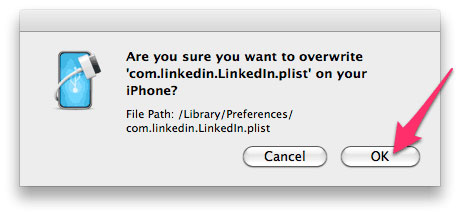



I “nabbed” a copy of Gareth Wright’s LinkedIn plist (he emailed it to me) and dropped it onto my own non-jailbroken iPhone and relaunched LinkedIn.
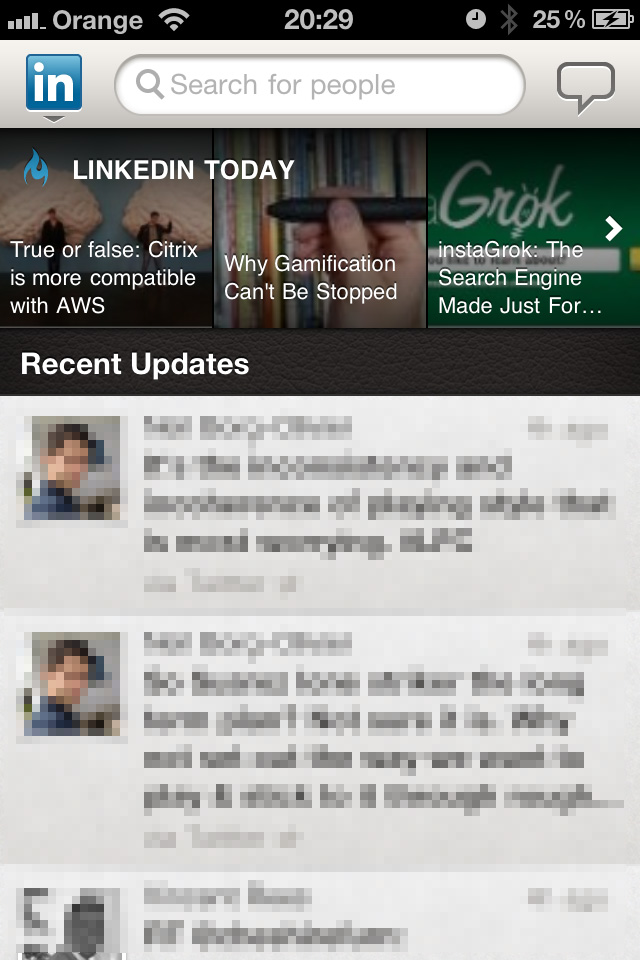
I was instantly into Gareth’s LinkedIn Profile, I could browse all his personal messages, invitations, contacts, edit his profile and even sent myself an invite to join his network!
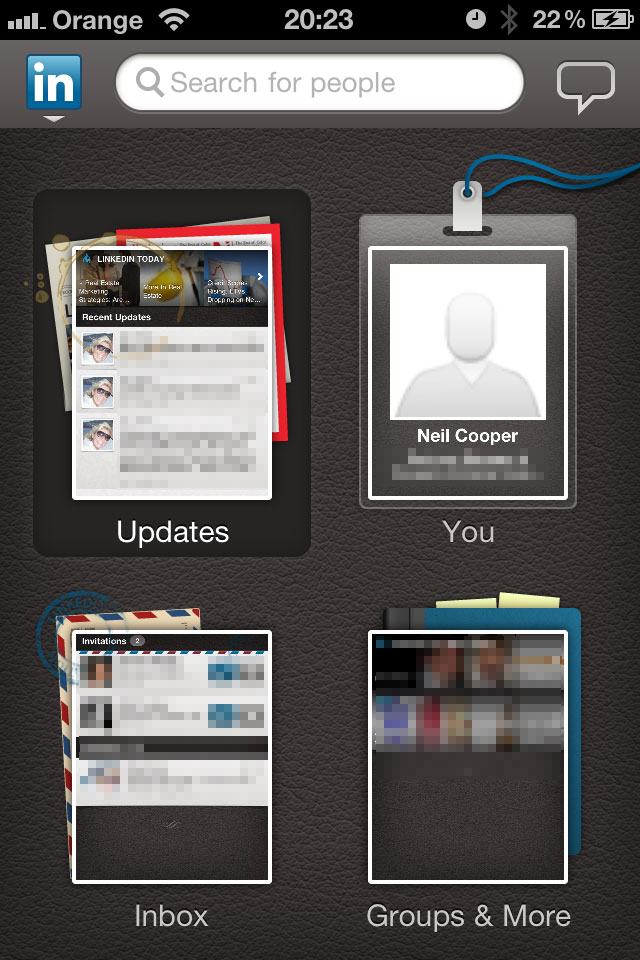
Here was my LinkedIn screen prior to copying the plist file over

and here it was after copying the plist and relaunching the app. At no point did it prompt me to re-enter my password or authenticate
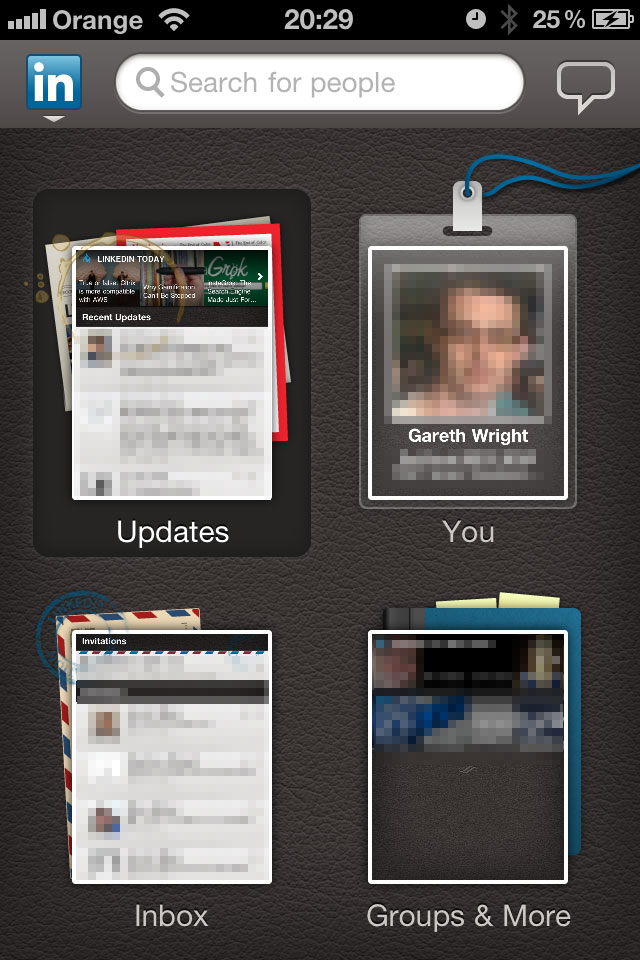
I was able to navigate his LinkedIn profile without any issues, view all his messages, invitations, connections and even created an invitation and sent it to myself.
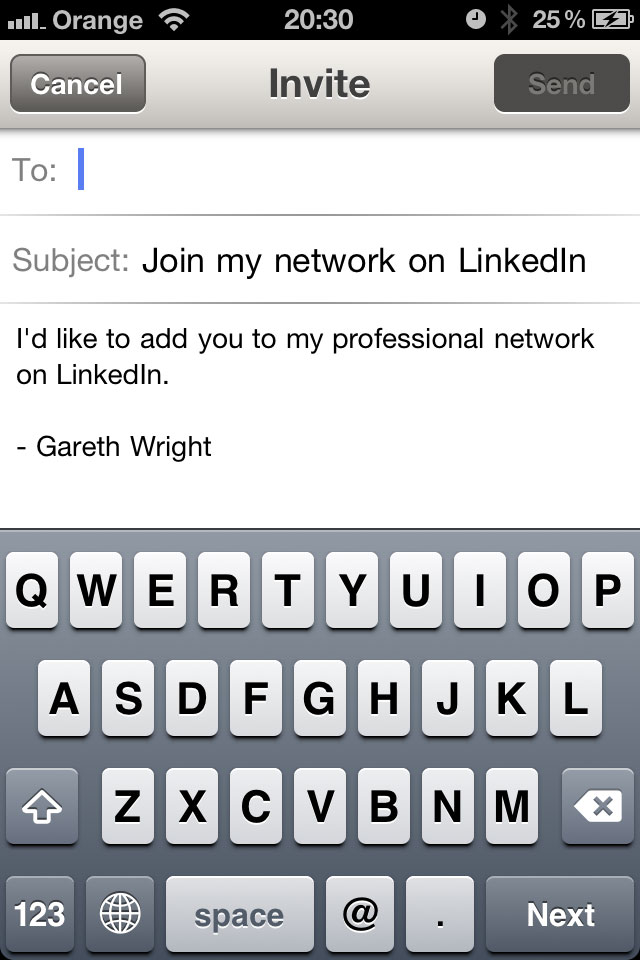
and here is the invitation I received
So, why is this any different that backing up cookies from the web browser on an iPhone?
Doesn’t this really just mean you shouldn’t connect your iPhone to an untrusted computer?
Modern iPhones require confirmation on the phone to allow the backup, which is inaccessible, if your screen is locked, so at best this is only applicable to older iPhones.
This post is from 2012 when verification to connect to an unsecured computer wasn’t required.
Nice find…